























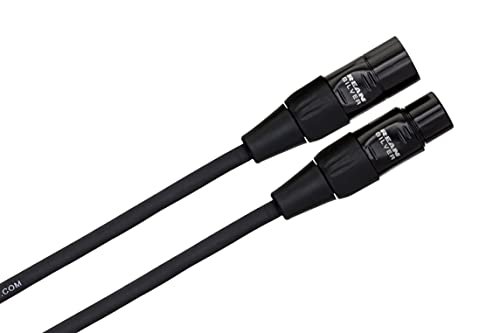
Noise in an audio system is not always a sign that the equipment needs replacing. The connection between devices can be just as important. Balanced audio connections are widely used in studios and live sound because they can reduce interference picked up along a cable.
Look beyond the connector shape
A balanced connection uses two signal conductors with matched impedance to ground and a receiving circuit that rejects common noise. XLR and quarter-inch TRS connectors often carry balanced audio, but their appearance alone does not confirm how a particular socket is wired.
A TRS connector can also carry unbalanced stereo audio. Read the equipment documentation rather than assuming that every cable with three contacts performs the same job.
Match both ends of the connection
The source output and destination input must support the intended connection. A cable adapter can change the plug shape without changing the electrical design of either device. An unbalanced output does not automatically become balanced because it is connected to an XLR plug.
When connecting an audio interface to studio monitors, use compatible balanced outputs and inputs where available. Choose the cable type specified by both manufacturers.
Keep the installation practical
Avoid unnecessary cable length, protect connectors from strain and keep audio wiring away from sources of interference where practical. Labeling cables also makes troubleshooting easier when equipment is moved or expanded.
Balanced wiring cannot fix distortion that is already present at the source. It also does not guarantee that every hum problem will disappear. Grounding, damaged cables, power supplies and gain settings can still require attention.
Troubleshoot before buying more equipment
Check one connection at a time, reduce the system to its essential components and compare with a known working cable. Never remove a protective mains earth to address audio noise. Choose connections that match the equipment and resolve the cause, rather than relying on the connector’s appearance.
Technical reference: PreSonus monitor noise guidance.